I’m now on my fifth body. I started with the modest Olympus E-510. A 10 MP, 4/3rd system (Sensor & Mount). After a few years, I upgraded to the E-620, same 4/3rd system but with a 12 MP sensor and an upgraded AF system. I should have done some more research before that purchase though. I liked the higher resolution, but it was noisier.
Despite being a DSLR, the Olympus cameras were very small, as were the lenses and they were easy to carry about. I, however, started having issues with the AF system. I also found manual focus without focus assist to be difficult for far away subjects. These struggles and mounting frustrations led to me falling out of photography for a while.
After a few years, I was dying to get back into things, but I really wanted a new camera to address my frustrations. Pretty quickly, I was looking at mirrorless systems due to their EVF. I know for many photographers, the EVF is a travesty. For me, having focus assist in the EVF and that the image would change to match the set camera settings were very desirable.
After much research, thank you dpreview.com, I settled on the Sony a6400. It hit the right price, all of the features, and was well reviewed for photo quality. This is an APS-C sensor with the Sony E-mount for lenses. I had purchased this with the 16-55 kit lens, but shortly thereafter I purchased the 70-350 G lens. The kit lens was pretty soft, so I upgraded it to the 16-55 G lens.
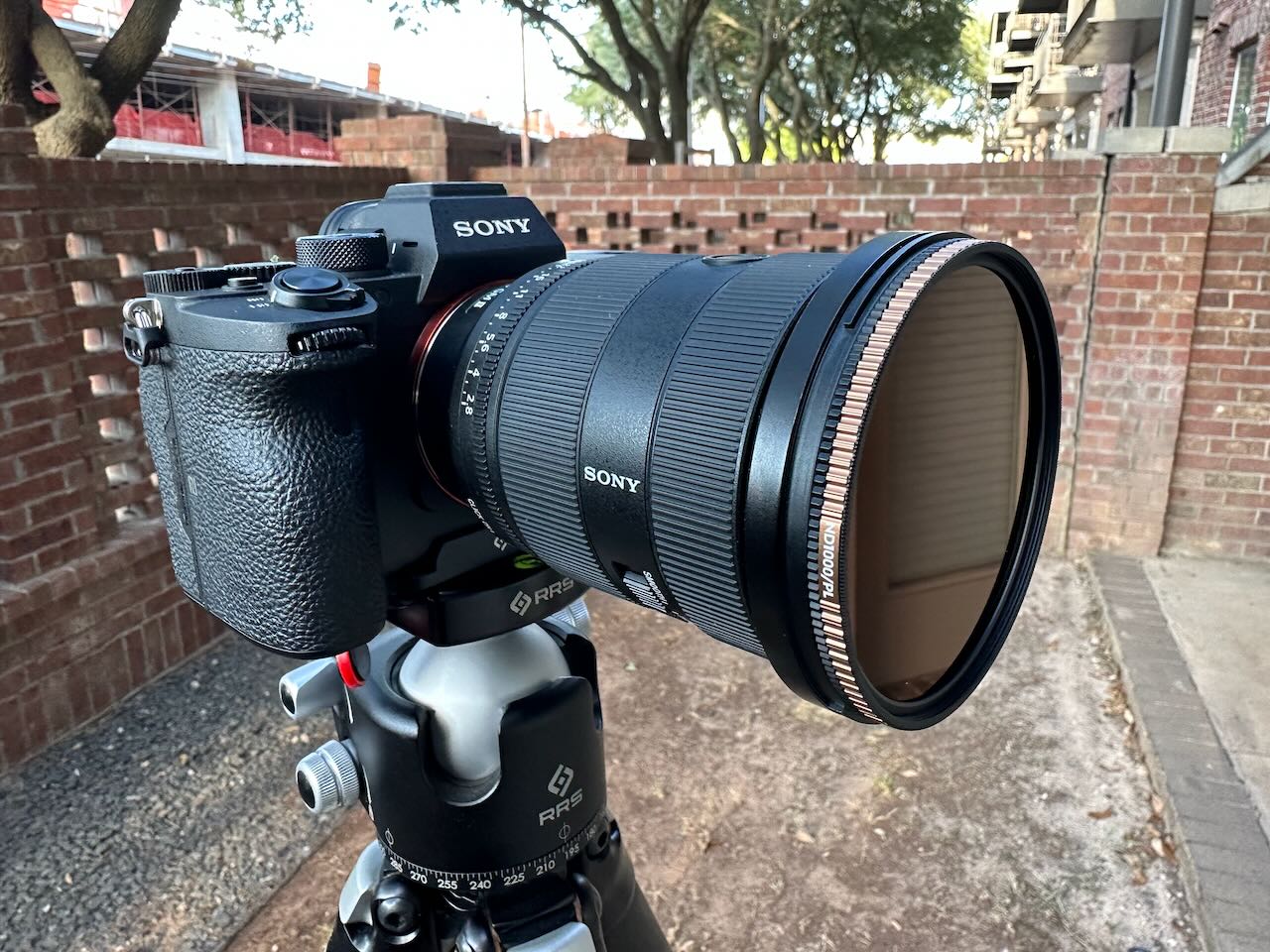
After a few years, I was wanting to upgrade to Full-Frame, and I had a trip to Yosemite coming up, so I opted to pull the trigger. I first opted for the Sony A7 mark 4. This was brilliant, but the location assist annoyed me, and at the same time Sony had a massive discount on the camera I really wanted. The Sony A7R mark 4. I returned the a7 in favor of the a7R, and I was in heaven.
With the move to full frame, I needed to upgrade my lenses, too. I started with the 24-70 Sigma Art, and the 70-200 G lens. After a bit with them, I did return them and I upgraded to the 24-70 G Master (mark 1), and the 100-400 G Master.
I have been very happy with the results on these upgrades. I love the 61 MP images.